How to configure blinds
-
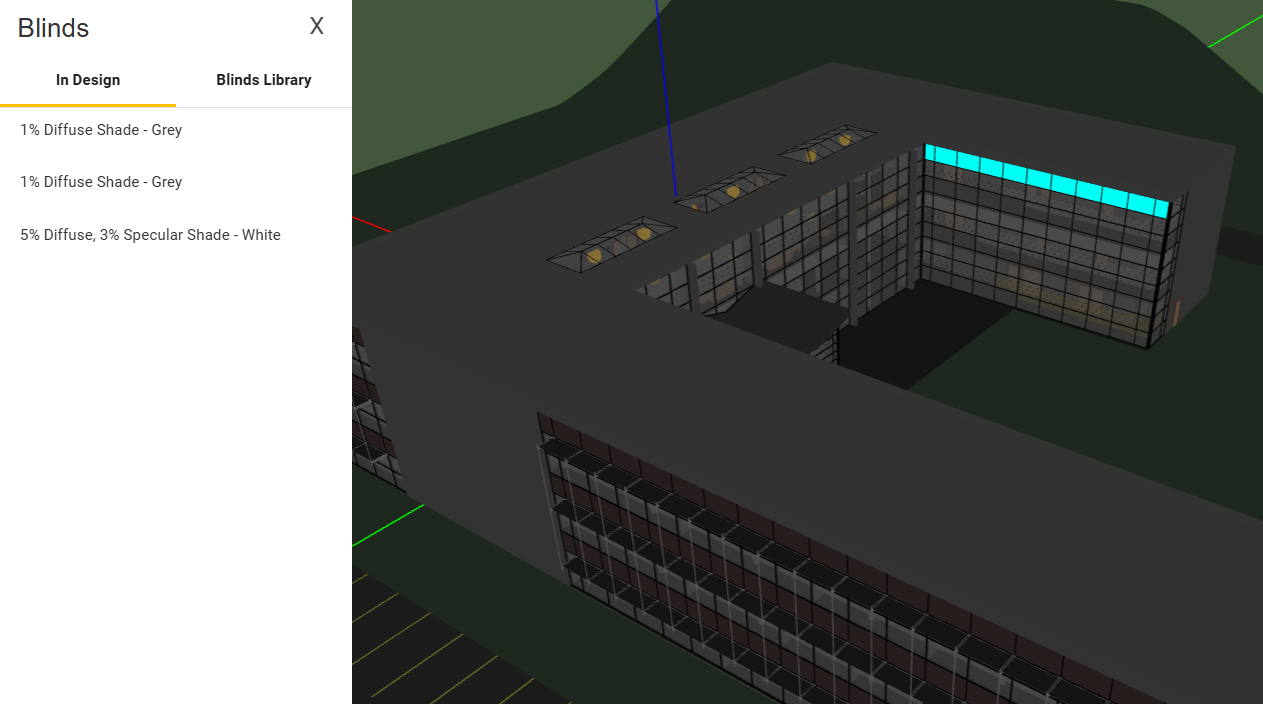
Open the blinds panel using the modeling toolbar.

-
Select the applicable blinds type from the blinds library.

-
Apply the blinds to window-groups using the paint bucket.
-
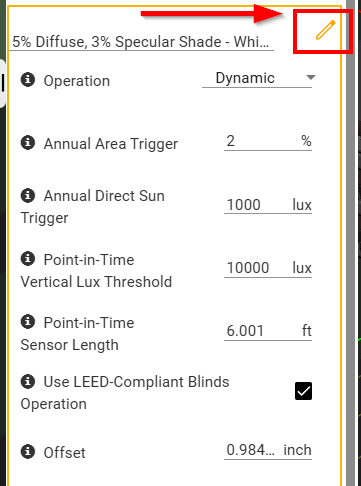
Edit the settings as needed. The default settings are based on industry standard recommendations from the IES and align with LEED requirements.
-
Enable blinds in the simulation settings and adjust the hysteresis. Because annual simulations are based on hourly weather data, values of 1 hour or more are recommended.

-
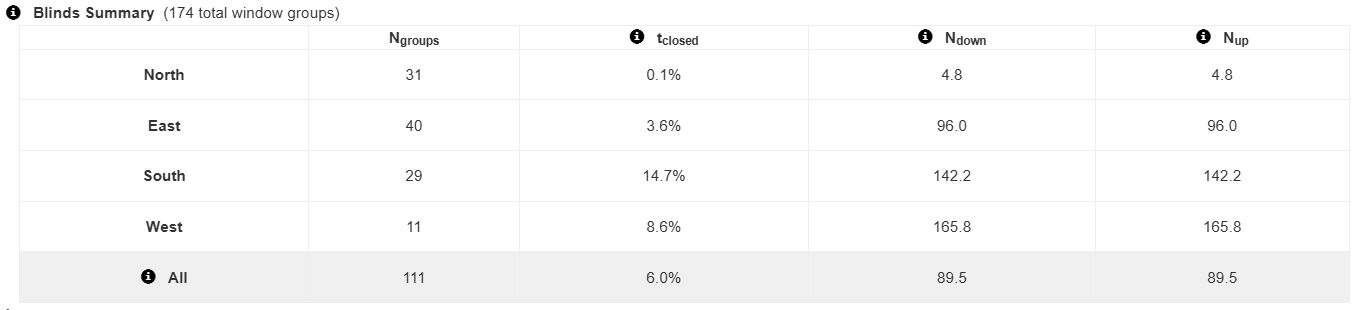
Review the blinds summary in the annual calculation report by clicking "Show Advanced Details".